01 / GET READY
The setup checklist
A clear starting point for the tools, requirements, and setup your workflow needs.
AI EDITING FOR YOUTUBERS
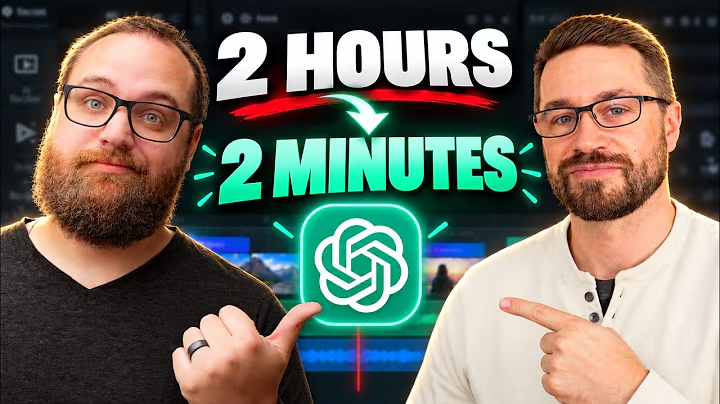
Edit better YouTube videos, faster, with AI.
Start with one useful workflow. Keep the creative control.
Get the free AI Editing Starter Kit
For creators who
still care about the craft.
THE AI EDITING STARTER KIT
You don’t need another hundred tools to try.
This kit is designed around one useful editing task,
from setup to a result you can build on.
A clear starting point for the tools, requirements, and setup your workflow needs.
A focused walkthrough of an AI-assisted editing task, with the steps laid out.
A small set of practical prompts tied to the task, so you have somewhere concrete to start.
Follow the workflow on screen and see how the pieces fit into an actual edit.
A focused starting point for self-editing YouTubers and working video editors.
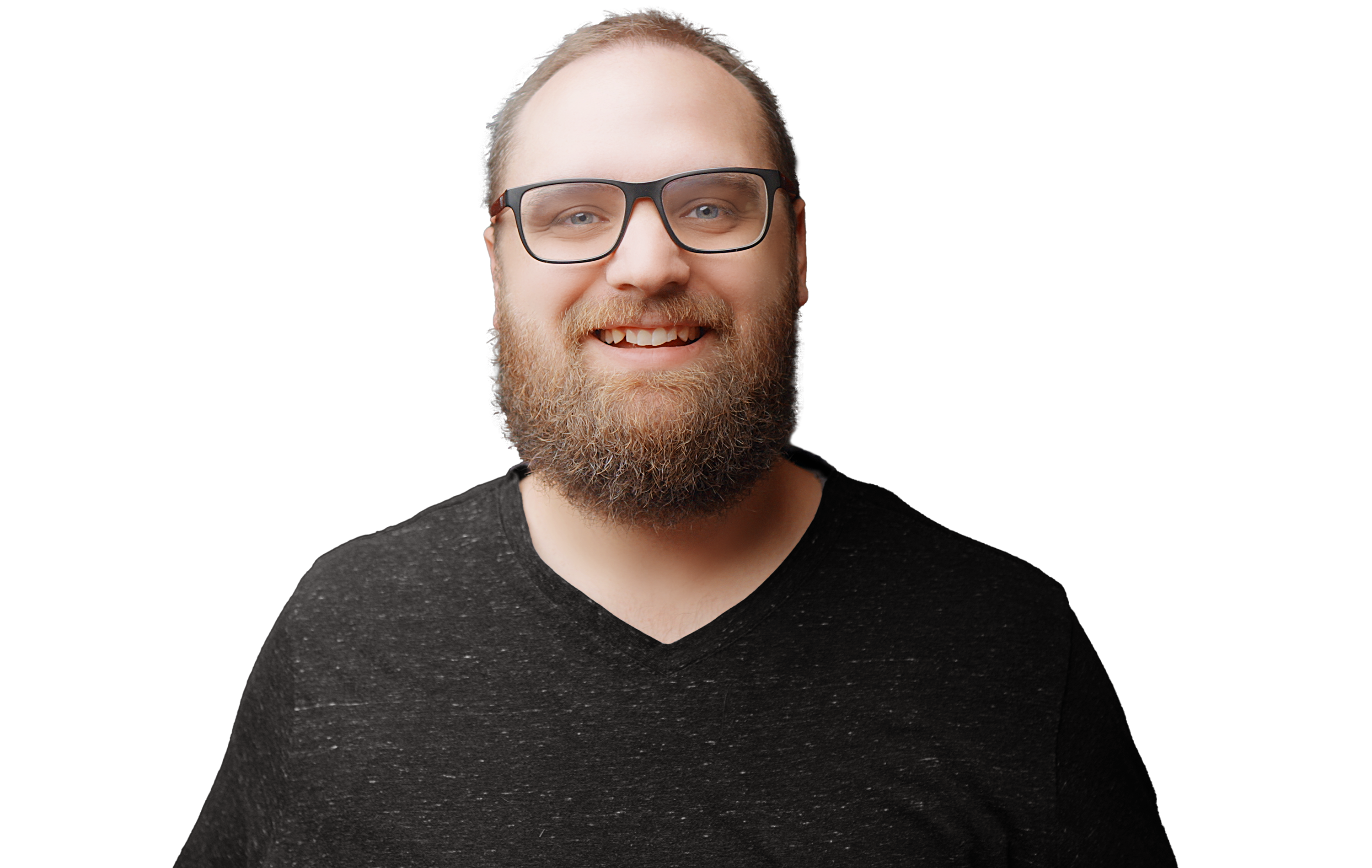
HEY, I’M ANDREW.
I’m Andrew Farmer, a professional video editor exploring how AI can take more of the repetitive work out of post-production.
On my YouTube channel, I share practical workflows, experiments, and tools for making better videos. Starting with ChatGPT and DaVinci Resolve, and following what’s useful for the edit.
The goal is simple: more time for the decisions that make a video yours.
Meet me on YouTube ↗▶ ANDREW EDITS WITH AI ON YOUTUBE
Follow along as I explore what AI can do for video editors—and where your judgment still matters.
Explore the channel ↗A FEW USEFUL DETAILS
Self-editing YouTubers, creators, and working video editors who want to bring AI into a practical editing process. Some editing experience will help.
No. The focus is on AI-assisted editing: reducing repetitive work while you make the creative decisions and check the result.
The starting point is ChatGPT and DaVinci Resolve. The wider channel explores AI-assisted post-production across tools.
Check your inbox for an email from Andrew. Confirm your subscription using the button in that email to access your free AI Editing Starter Kit.
YOUR NEXT EDIT STARTS HERE
Start small with the free
AI Editing Starter Kit.